- Platform
- Shopify
Shopify Payments declined, on hold or closed: what now?
Shopify Payments declined, payouts on hold or your account closed? Which products are prohibited, why Shopify steps in and what to do next.

By Arthur LauwersFounder
Sees the whole floor. Calls the play, picks the shot, keeps the scoreboard honest.
Shopify Payments can decline your application, hold your payouts or close your account when Shopify sees a risk. That happens with prohibited products, details that can't be verified, or signals such as many chargebacks and promises you don't keep. Your store usually stays open. You fix it by answering quickly and completely, or you switch to another payment provider.
This article is part of our guide to Shopify Payments and payments. You'll read which products Shopify Payments doesn't accept, the difference between a decline, a hold, a reserve and a closed account, and what to do in each case.
What Shopify Payments doesn't accept
Shopify lists six categories that are prohibited with Shopify Payments: regulated or illegal products and services, financial products and services, adult products, pseudo-pharmaceuticals, gambling and counterfeit products. The list isn't exhaustive and varies by country. For Belgium and the Netherlands, the exact list is in the Shopify Payments terms for your country (checked in November 2026).
In practice we see the most doubt around CBD, vapes, weapons and replicas, and some medical products. Supplements are usually fine for our clients. In doubt? Ask Shopify Support before you launch.
Selling high-value goods such as jewelry, precious metals, art or watches? Then Shopify can run an extra high-value goods review. You complete it in your admin, sometimes with a questionnaire and documents.
Declined, on hold, reserve or closed: the difference
Application declined. You can't activate Shopify Payments. You can reapply or connect another payment provider.
Account on hold. Your payouts stop until the issue is resolved. Customers can usually still check out, but you only get that money after the hold. Sometimes your store temporarily can't take new orders.
Reserve. Shopify holds part or all of your payments for a period, to cover disputes and refunds. Shopify's own example is 10% for 120 days.
Longer payout schedule. You wait 5 to 20 business days for your money instead of the regular schedule.
Account closed. Shopify Payments is deactivated. You can appeal or switch to another provider.
Is a single payout pending longer than your schedule? There's often a simpler cause, such as a new bank account or a negative balance. See Shopify Payments payouts and holds.
Why Shopify steps in
Shopify reviews your store when you apply and keeps monitoring it afterwards. It looks at hundreds of signals and sets the bar higher than the Visa and Mastercard chargeback thresholds. So a low chargeback rate doesn't always protect you. Typical signals:
Details that don't match: an address that differs from where you operate, wrong bank details or business information that differs from what's in your store.
Promises you don't keep: delivery times that slip, product claims that go too far or reviews that aren't genuine.
Subscriptions that are hard to cancel or pre-selected by default.
Many chargebacks or refunds, or a sudden spike in sales.
Long delivery times, such as pre-orders and made-to-order products. These often lead to a reserve.
What to do when your account is on hold
Log in as the store owner. Only the owner sees the details and can resolve the hold.
Check the owner's inbox, including spam. Make sure an email really comes from Shopify before you share bank details.
Answer Shopify's email completely, in one go. Send what's asked, such as supplier invoices, tracking and business details.
Make your store consistent. Product information, prices, contact details, returns policy and legal notice must match what you entered when you applied.
Meet the deadline. Miss the date of a high-value goods review and you have to set up another payment provider to keep accepting payments.
You can sometimes appeal a reserve by replying to the email within the stated timeframe. If the email lists conditions, the reserve is removed automatically once you meet them. For a closed account, you appeal through the email you received.
Prevention is easier than repair
With our clients, we send the verification questions ahead of time, so everything is ready before launch. We also check for a clear returns policy, a published legal notice, realistic delivery times on the product page and accurate product information. Never hide products to get approved: that's the fastest way to a closed account.
How to activate it step by step is explained in setting up Shopify Payments in Belgium.
Another payment provider when Shopify Payments isn't an option
If your application is declined or your account closed, you connect a third-party provider as your primary gateway on Shopify. Shopify then charges 0.2% to 2% extra transaction fees on every payment, on top of that provider's costs. Mollie is the best-known option in Belgium and the Netherlands, but Mollie also has its own list of sectors it doesn't accept. Check it first. Truly high-risk sectors need a specialised provider, often with its own reserve.
Which provider fits you is compared in the best payment provider for Shopify.
What we learned in the Shopify Community
Few chargebacks, closed anyway. A merchant with more than 2,500 orders and 0.4% chargebacks lost Shopify Payments and got a 120-day hold on payouts, after disputes caused by delayed holiday deliveries. Other merchants recommend a short risk summary with order numbers, dispute reasons and tracking, and asking explicitly for a reserve or a staged release. Unresolved. Source: Shopify Community, January 2026.
Misleading content as the reason. A store with a chargeback rate well below 1% was closed for suspected misrepresentation. The tip from the thread: make sure product claims, prices, contact details, policies and supplier documents say the same everywhere, and send one complete reply in the existing case. Unresolved. Source: Shopify Community, August 2026.
Is my business model prohibited? An agency asked whether a designer handbag rental service falls under the prohibited list. The answer in the thread: not prohibited, Shopify Payments works. Our take: in doubt, ask Shopify Support beforehand, because a forum answer is no guarantee. Source: Shopify Community, April 2025.
How 6th Man helps
We set up payments for every Shopify store we build or migrate. We prepare the verification ahead of time, check whether your products fall within the acceptable use policy and set up an alternative if Shopify Payments isn't an option. Is your account already on hold? Then we help make your store consistent and prepare a complete reply.
What people ask about this.
Usually because your products fall into a prohibited category or because Shopify can't verify your details. The reason is in the email to the store owner. You can reapply or connect a third-party payment provider.
Until the issue is resolved. Shopify gives no fixed timeline. For a reserve, the duration is in the email; Shopify itself uses 120 days as an example. The faster and more completely you answer, the faster it usually goes.
Yes. Your store stays. You connect another payment provider as your primary gateway, with Shopify's extra transaction fee on top. With some holds you temporarily can't take new orders; the banner in your admin tells you.
We build, migrate and grow Shopify stores.
One team for the build, the move to Shopify and the growth after launch, so nothing gets dropped at a handoff.

Read also
- Platform
- Shopify
Shopify Payments payouts and pending payments explained
When does Shopify Payments pay you? Payout schedule in Belgium and the Netherlands, what pending and on hold mean, refunds, negative balances and bookkeeping.
 Arthur Lauwers
- Platform
- Shopify
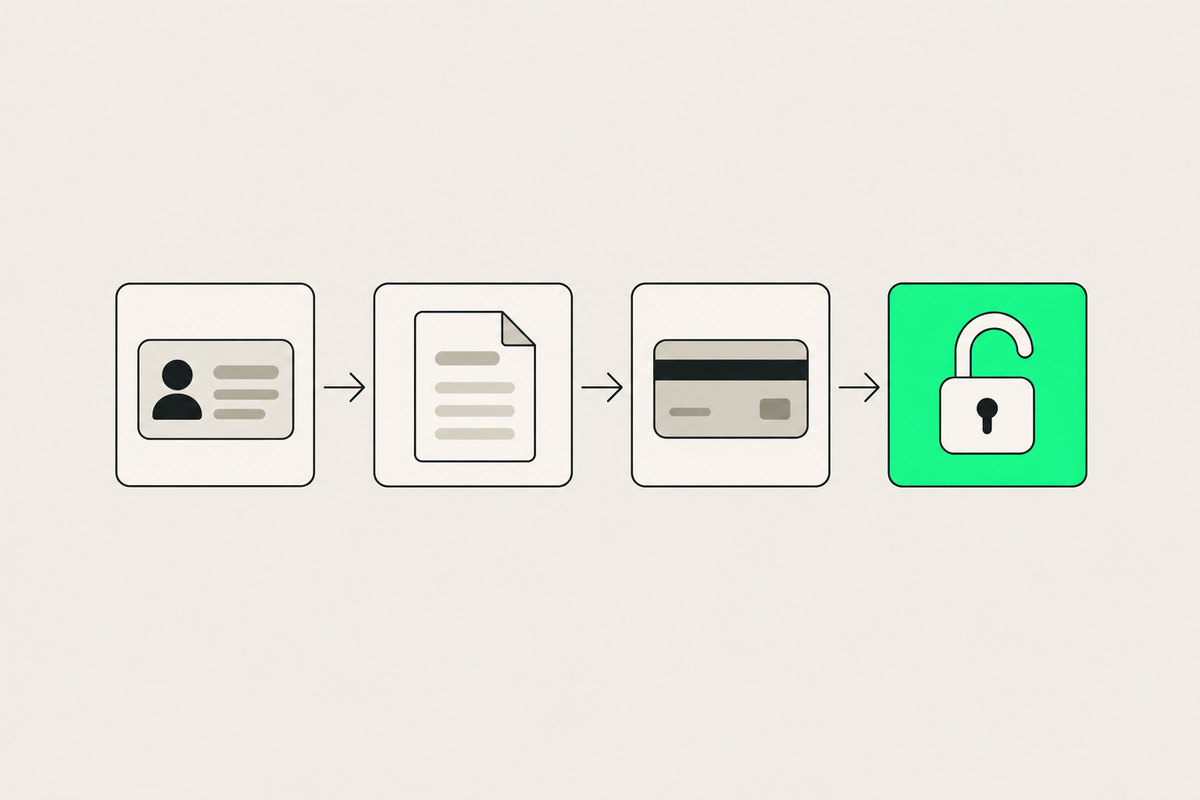
How to set up Shopify Payments in Belgium: step by step
Set up Shopify Payments in Belgium: what you need, verification, switching on Bancontact, test mode and a go-live checklist, plus the common pitfalls.
Arthur Lauwers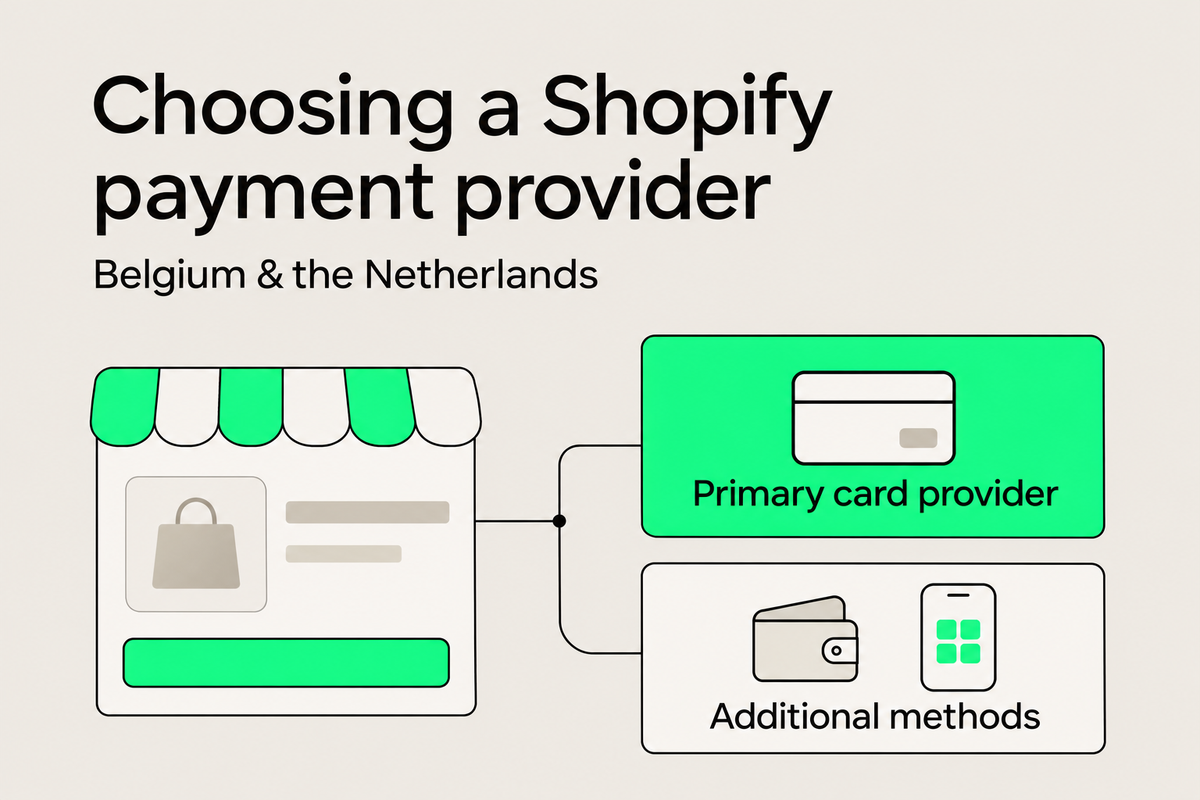
- Platform
- Shopify
Best payment provider for Shopify in Belgium and the Netherlands
Best payment provider for Shopify in Belgium and the Netherlands: Shopify Payments, PayPal, Mollie, Adyen and more, with costs, exceptions and a decision tree.
Arthur Lauwers