- Platform
- Shopify
Connect Shopify to Odoo
Connect Shopify and Odoo for orders, stock and invoices. Connector, Make or custom: what fits you? 6th Man from Ghent builds and maintains your integration.

By Arthur LauwersFounder
Sees the whole floor. Calls the play, picks the shot, keeps the scoreboard honest.
Yes, you can connect Shopify to Odoo. Orders from your store then flow into Odoo automatically, and stock, prices and product data go back to Shopify. You can do that with a ready-made connector, through an automation platform such as Make, or with a custom integration. Don't want to deal with it yourself? 6th Man builds and maintains the integration for you.
This page is part of our overview of Shopify integrations. You read what an integration with Odoo brings you, which options exist and where it often goes wrong. Checked November 2026.
Rather have it sorted right away? Tell us which Odoo version you use and what needs to sync. Book a call about your Odoo integration.
What an Odoo integration does for your store
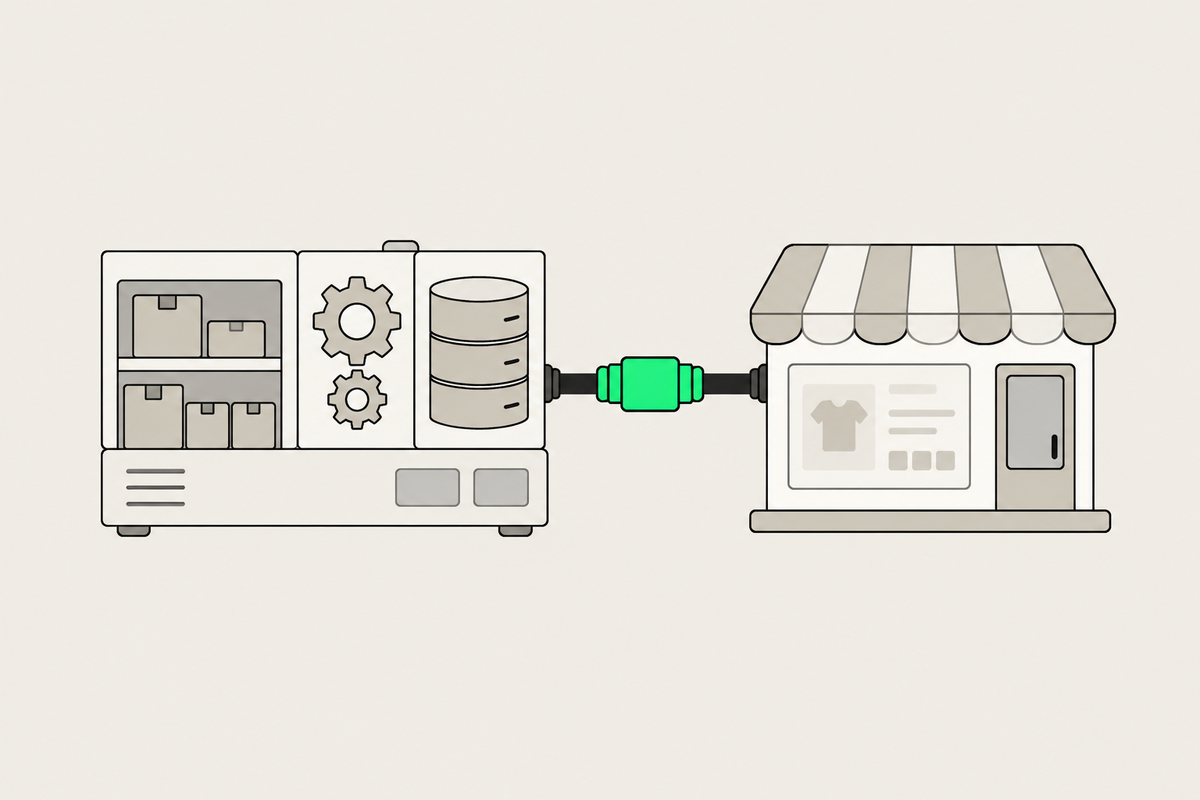
For many Belgian SMEs, Odoo is the ERP where stock, purchasing, invoicing and accounting come together. Shopify is where you sell. Without an integration someone retypes orders, your stock lags behind and you sometimes sell what you no longer have. With an integration:
store orders land in Odoo right away, ready to ship and invoice;
your store shows the real stock from your warehouse and shops;
you manage prices and product data in one place;
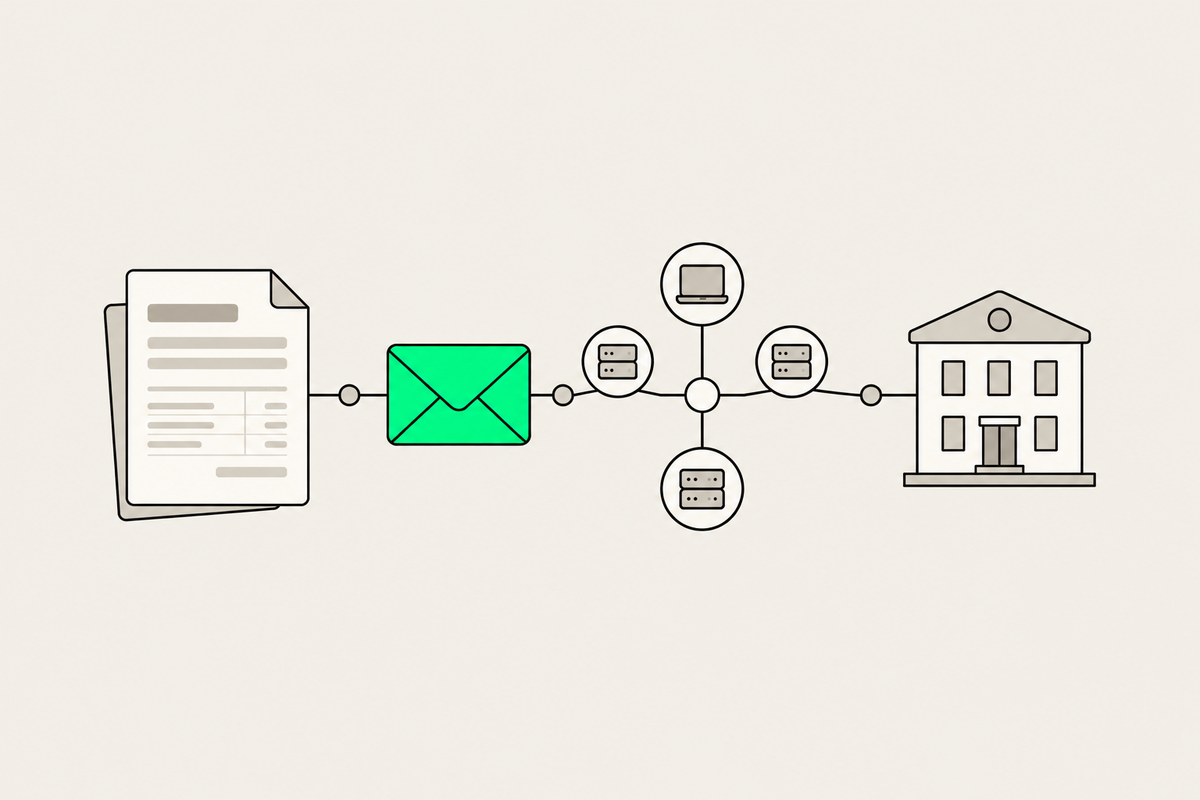
Odoo creates the invoices, also through Peppol. More on that in Peppol and e-invoicing with Shopify.
Three ways to connect Shopify and Odoo
1. A ready-made connector
Odoo doesn't build a standard Shopify integration itself. You pick a connector from another party: an app in the Shopify App Store, such as OdooSyncO or Webkul's Odoo Connector, or a module from the Odoo Apps Store. That's the fastest start for a standard store. Note: modules from the Odoo Apps Store usually don't run on Odoo Online, only on Odoo.sh or your own installation. Some Shopify apps do work with Odoo Online.
2. An automation platform such as Make
With Make or n8n you build your own flows between Shopify and Odoo, for example every paid order as a sales order in Odoo. Flexible and affordable for a few flows, but you need to add error handling and monitoring yourself. Otherwise a failed step goes unnoticed.
3. A custom integration
In practice an Odoo integration is almost always custom work. No two Odoo installations are set up the same way: every implementation has its own modules, fields and ways of working. Add B2B prices per customer, several warehouses, variants with many options or a PIM next to Odoo, and a standard connector quickly hits its limits. A custom integration follows your own processes exactly.
Where it often goes wrong
No agreement on which system leads. Do you change a price in Shopify or in Odoo? Without a clear source, systems overwrite each other.
Returns and edited orders. An edited or refunded order has to be right in Odoo too, or your bookkeeping is off.
Updates without testing. A new Odoo version or a changed app can stop the integration. Test every update first.
Nobody following up. An integration isn't a one-off project. Someone has to notice when an order doesn't come through.
What we learned in the Shopify Community
Which connector do you choose? Problem: a merchant looks for the best way to connect Shopify with Odoo. Solution: a reply advises checking whether the connector supports products, orders, stock, refunds and metafields, and testing with a few products first; not confirmed by the merchant. Our take: first list what has to sync and in which direction. Then you see right away which connectors drop out. Source: Shopify Community thread (July 2026).
Editing orders after the sale. Problem: a merchant with Odoo and Shopify Plus wants to keep editing orders (products, addresses, payments) while Odoo manages them. Solution: unresolved; the connectors in the thread don't support order edits, and a reply suggests a middleware layer through the Shopify API. Our take: edited orders are exactly where a standard connector stops and a custom integration starts. Source: Shopify Community thread (February 2024 to September 2025).
How 6th Man sets up your Odoo integration
Complex integrations between Shopify and an ERP are our specialty, also combined with a PIM or a B2B store. This is how we do it:
We map what has to sync, in which direction and how often.
We pick the approach that fits: an existing connector, Make or n8n, or custom work.
We build and test with real orders, returns and stock changes.
We monitor the integration, so you get an alert when something doesn't come through.
So you don't have to choose or maintain a connector yourself. Starting a new store? We include the integration in your custom Shopify store. Already have a store? We build it as a separate project.
What people ask about this.
No. Odoo doesn't build a standard Shopify integration itself. You use a connector from another party, an automation platform such as Make, or a custom integration. Because every Odoo implementation is different, in practice it's almost always custom work.
Sometimes. Modules from the Odoo Apps Store usually only run on Odoo.sh or your own installation. Some Shopify apps and integrations through Make do work with Odoo Online. We check that before you start.
Yes. We pick the approach, build and test the integration and monitor it. Book a call through our contact page.
We build, migrate and grow Shopify stores.
One team for the build, the move to Shopify and the growth after launch, so nothing gets dropped at a handoff.

Read also
- Platform
- Shopify
Peppol and e-invoicing with Shopify: mandatory in Belgium, here's how
Shopify doesn't send Peppol invoices itself. When your store needs e-invoicing and the three ways to connect it to Shopify.
 Arthur Lauwers
- Shopify
- Platform
Building a B2B store on Shopify: features, plans and integrations (2026)
A B2B store on Shopify: what every plan can do since April 2026, what stays Plus-only, and how to handle ERP, Peppol and pay-on-invoice.
Arthur Lauwers