- Platform
- Shopify
- CRO
Apple Pay and Google Pay on Shopify
Apple Pay and Google Pay are on by default with Shopify Payments in Belgium and the Netherlands. What they cost, why they sometimes don't show and what they do for mobile conversion.

By Arthur LauwersFounder
Sees the whole floor. Calls the play, picks the shot, keeps the scoreboard honest.
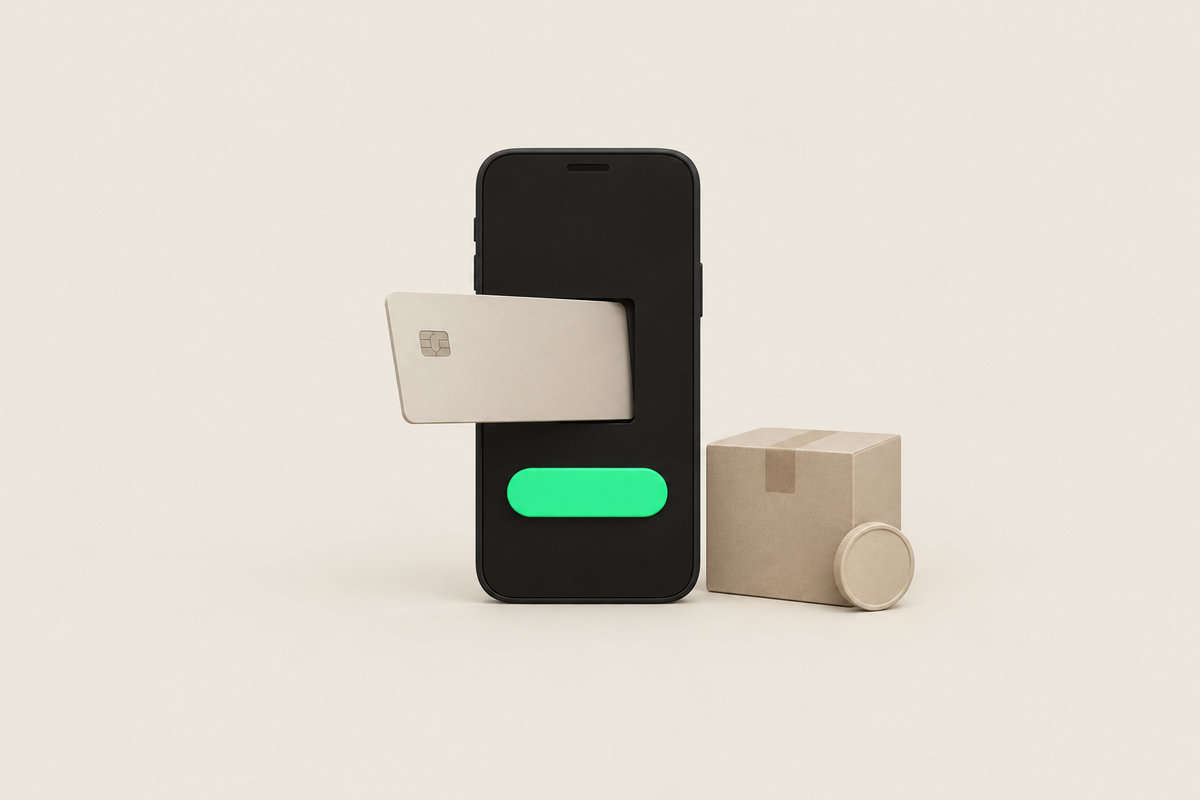
If you use Shopify Payments in Belgium or the Netherlands, Apple Pay and Google Pay are on by default as accelerated checkouts. You don't need to install anything. Shopify charges no extra fee: you pay the normal processing fee. The buttons only appear for customers with a device and browser that support the wallet and a card in that wallet.
This article is part of our guide to payments and checkout on Shopify. Checked November 2026.
How do you activate Apple Pay and Google Pay?
With Shopify Payments they are active by default. You check or manage them under Settings > Payments > Shopify Payments, under accelerated checkouts. Without Shopify Payments, Apple Pay and Google Pay depend on what your external provider offers.
If you also want the buttons on your product page and in your cart, turn on dynamic checkout buttons in your theme. Think twice though: a row of payment buttons under every product sometimes distracts from the regular add to cart button.
What do Apple Pay and Google Pay cost?
Shopify keeps it short: you pay no extra fees, only the normal processing fee. In practice Shopify Payments charges the transaction fees of the card in the wallet. On Grow that is 1.8% + EUR 0.25 for a European card. If a Bancontact card is in the wallet, don't assume the fixed Bancontact rate: Shopify doesn't confirm which rate applies then.
Why wallets help your mobile conversion
On a smartphone, typing a card number is the biggest hurdle in checkout. With Apple Pay or Google Pay the customer confirms with Face ID, fingerprint or code, and the wallet fills in address and contact details. The wallet doesn't share the card number itself: it works with tokenization. More tactics for a faster checkout are in checkout optimization for Shopify.
Belgian customers are used to paying with Bancontact, also through the Bancontact app. So wallets come next to it, not instead of it. Shopify's own accelerated checkout is called Shop Pay; when it makes sense is in Shop Pay explained.
Apple Pay or Google Pay doesn't show
The customer uses a device or browser without support, or has no card in their wallet.
Accelerated checkouts are off in your payment settings, or your primary provider isn't Shopify Payments.
A subscription app, a cart drawer or a required extra checkout field hides the buttons. Test without that app.
What we learned in the Shopify Community
Apple Pay button missing on iPhone and iPad. Problem: merchants see no Apple Pay in their checkout, even after the standard steps. Solution: unresolved; replies point to provider settings, the required company name field, cart drawers and subscription apps. Our take: switch apps off one by one in a copy of your theme until the button returns; you'll find the cause faster than through Support. Source: Shopify Community thread (June to November 2025).
How 6th Man helps
We test every checkout on iPhone and Android, with and without a wallet, before a store goes live. If your mobile conversion drops, a CRO project shows where customers drop off and which payment buttons they see.
What people ask about this.
No. With Shopify Payments you pay no extra fee for Apple Pay or Google Pay, only the normal processing fee for the card in the wallet.
With Shopify Payments in Belgium and the Netherlands, Apple Pay and Google Pay are on automatically. You manage them under accelerated checkouts in your payment settings.
Their device or browser doesn't support it, there's no card in their wallet, or an app or required checkout field hides the button.
We build, migrate and grow Shopify stores.
One team for the build, the move to Shopify and the growth after launch, so nothing gets dropped at a handoff.

Read also
- Shopify
- CRO
Shop Pay explained: faster checkout on Shopify
Shop Pay stores payment and shipping details for faster checkout. What it costs, why Installments doesn't work in Belgium and when Shop Pay makes sense.
 Arthur Lauwers
- Platform
- Shopify
- CRO
Shopify checkout optimization: 15 tactics
Shopify checkout optimization for Belgium and the Netherlands: 15 tactics with why, how to set it up in Shopify and how to measure if it works. With checklist.
Arthur Lauwers
- Platform
- Shopify
Connect PayPal to Shopify in Belgium and the Netherlands
How to connect PayPal to your Shopify store in Belgium or the Netherlands: PayPal Express Checkout, what it costs next to Shopify Payments and when it pays off.
Arthur Lauwers