- Shopify
- CRO
Shop Pay explained: faster checkout on Shopify
Shop Pay stores payment and shipping details for faster checkout. What it costs, why Installments doesn't work in Belgium and when Shop Pay makes sense.

By Arthur LauwersFounder
Sees the whole floor. Calls the play, picks the shot, keeps the scoreboard honest.
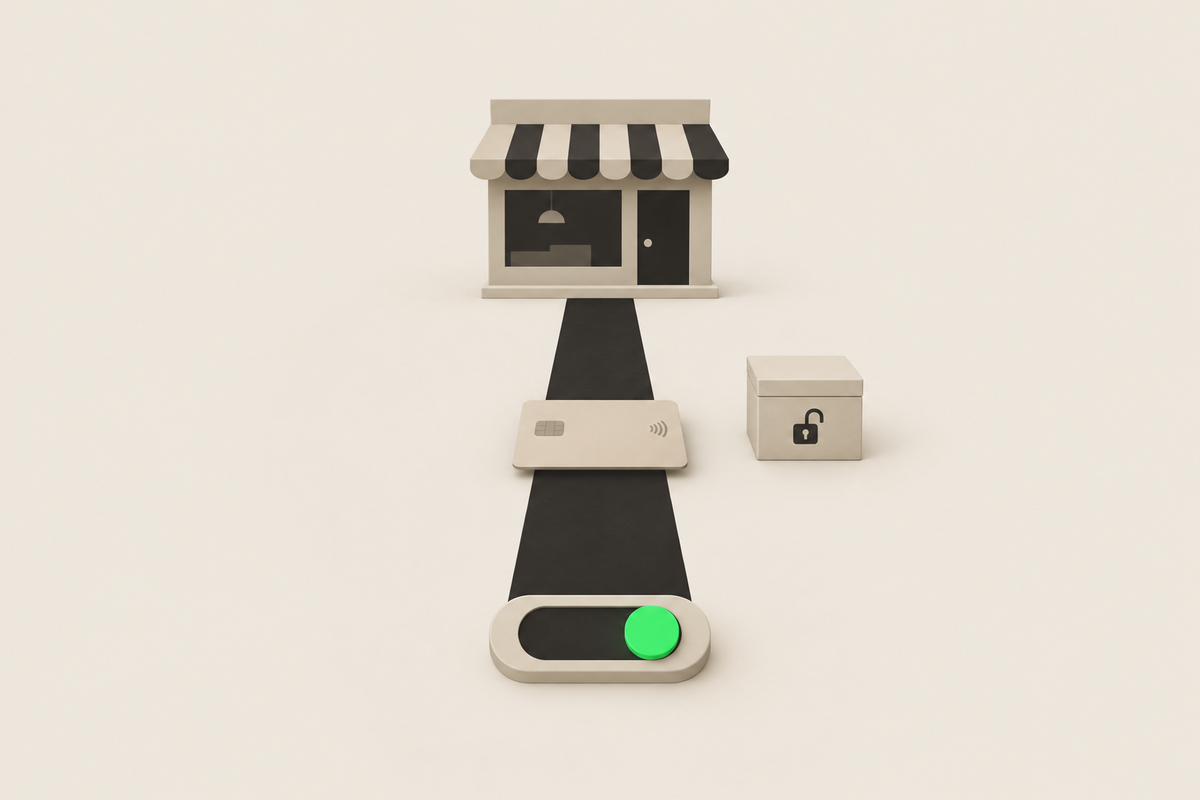
Shop Pay is Shopify's accelerated checkout: the customer saves their payment and shipping details once and then checks out at any Shopify store with a code by text or email. With Shopify Payments, Shop Pay is on automatically in Belgium and the Netherlands. You pay the normal card rate. Belgian customers rarely use it, so don't count on a big gain.
This article is part of our guide to Shopify payments and checkout. Checked November 2026.
How does Shop Pay work?
A customer checking out at a Shopify store can save their details in Shop Pay. On a next purchase, also at another Shopify store, Shopify recognizes them by email or phone number and sends a code. After that code, address and card are prefilled. The card details stay with Shopify, secured with tokenization.
What does Shop Pay cost?
With Shopify Payments as your main provider, Shop Pay costs the normal card rate, for example 1.8% + EUR 0.25 for a European card on Grow. No third-party fee is added. If you combine Shopify Payments with a direct external provider, Shopify charges 1.25% extra on Shop Pay and local methods through Shopify Payments. All rates per plan are in Shopify Payments fees.
What doesn't work in Belgium and the Netherlands?
Shop Pay Installments: paying in instalments through Shop Pay is only for stores in the US, Canada and the UK. To offer buy now, pay later, look at Klarna on Shopify.
Shopify Protect: protection against fraud chargebacks on Shop Pay orders only exists for US stores.
Is Shop Pay worth it for Belgian stores?
Shop Pay works best with customers who already buy often at Shopify stores, as in the US. In Belgium it's rarely used; Belgians mostly pay with Bancontact. How big Shop Pay's share gets in your store depends strongly on your customer profile: an international or English-speaking audience uses it more. We rarely recommend it actively, but usually leave it on because it costs nothing extra.
Note: when Shop Pay recognizes a customer, checkout sometimes opens straight in Shop Pay. Customers who don't expect that can drop off confused. Monitor your abandoned checkouts after a change; how that works is in recovering abandoned checkouts in Shopify.
Shop Pay next to Apple Pay and Google Pay
On mobile many customers prefer their device's wallet. Those buttons sit next to Shop Pay at the top of your checkout. More in Apple Pay and Google Pay on Shopify.
What we learned in the Shopify Community
Checkout opens in Shop Pay by default. Problem: a merchant sees checkout open automatically in Shop Pay, so customers don't see the other payment methods. Solution: add the parameter skip_shop_pay=true to the checkout URL, for example through a cart app's setting; a later reply confirms it works, but it's not an official Shopify feature. Our take: first test whether it's really a problem for your customers before you tinker with the checkout URL. Source: Shopify Community thread (March 2024 to February 2026).
How 6th Man helps
We look in your data at which payment methods your customers actually choose and whether Shop Pay helps or hurts your checkout. That's part of our CRO work for Shopify stores.
What people ask about this.
Yes. With Shopify Payments, Shop Pay is on automatically in Belgium and the Netherlands. Shop Pay Installments isn't available there.
No, with Shopify Payments as your main provider you pay the normal card rate. If you also use a direct external provider, 1.25% is added.
It's on by default and costs nothing extra, so leaving it on is usually fine. Don't expect a big effect: Belgians mostly pay with Bancontact.
We build, migrate and grow Shopify stores.
One team for the build, the move to Shopify and the growth after launch, so nothing gets dropped at a handoff.

Read also
- Platform
- Shopify
- CRO
Apple Pay and Google Pay on Shopify
Apple Pay and Google Pay are on by default with Shopify Payments in Belgium and the Netherlands. What they cost, why they sometimes don't show and what they do for mobile conversion.
 Arthur Lauwers
- Shopify
- CRO
Recovering abandoned checkouts in Shopify
How Shopify tracks abandoned checkouts, how to set up reminder emails with Shopify Messaging or Klaviyo, and how to avoid duplicate emails.
Arthur Lauwers
- Platform
- Shopify
- CRO
Shopify checkout optimization: 15 tactics
Shopify checkout optimization for Belgium and the Netherlands: 15 tactics with why, how to set it up in Shopify and how to measure if it works. With checklist.
Arthur Lauwers