- Shopify
- CRO
Recovering abandoned checkouts in Shopify
How Shopify tracks abandoned checkouts, how to set up reminder emails with Shopify Messaging or Klaviyo, and how to avoid duplicate emails.

By Arthur LauwersFounder
Sees the whole floor. Calls the play, picks the shot, keeps the scoreboard honest.
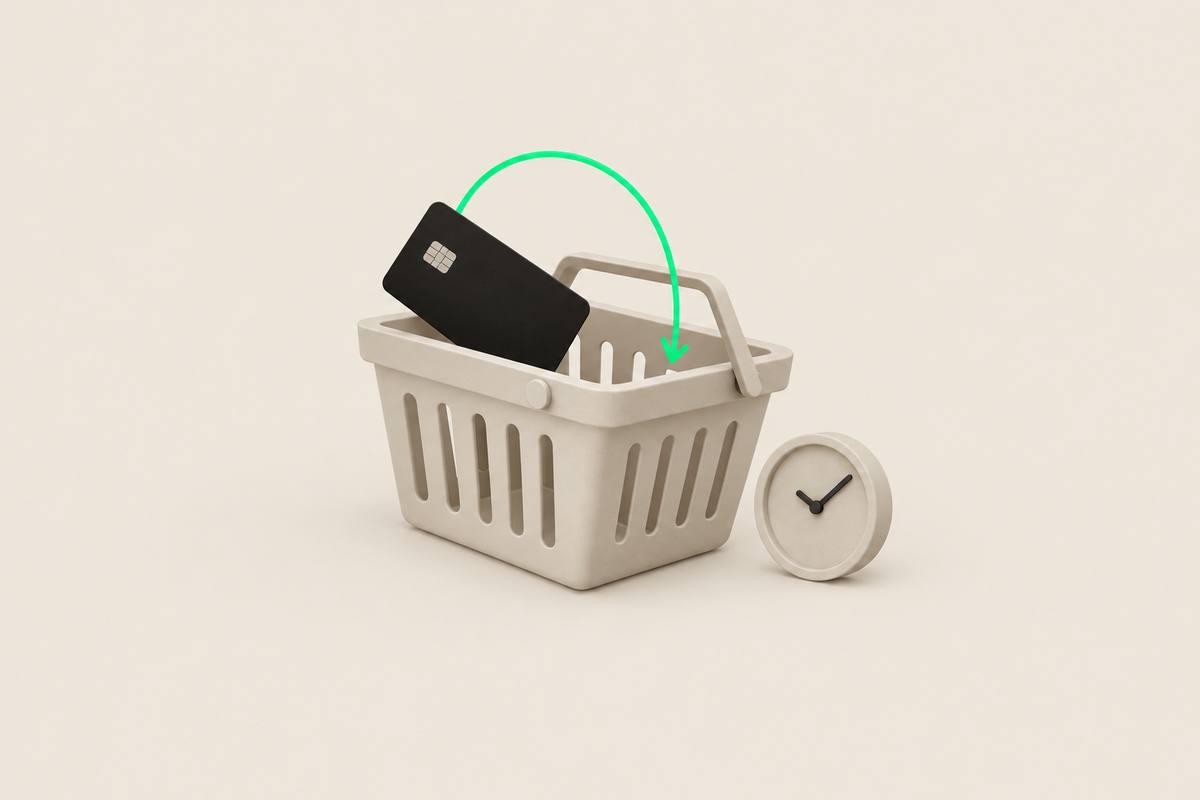
You win back an abandoned cart in Shopify with an automatic reminder email. Shopify records a checkout as abandoned when it stays incomplete for more than 10 minutes after the customer entered their email address. Under Apps > Messaging > Automations you turn the email on and choose the waiting time yourself. That automation is free. If you use Klaviyo, let only one of the two tools send emails.
This article is part of our guide to payments and checkout on Shopify. Checked November 2026.
How many carts get abandoned?
According to Baymard, on average 70% of online shoppers abandon their cart (average of 50 studies, updated September 2025). That figure comes mostly from the United States. So watch your own trend rather than that average: a falling share of abandoned checkouts lifts your conversion rate directly.
Cart or checkout: what does Shopify see?
Shopify itself works with abandoned checkouts, not abandoned carts. Only when the customer enters their email in checkout can Shopify follow up. Someone who only adds something to their cart doesn't show as abandoned in Shopify. For that you need a tool like Klaviyo that recognizes visitors, for example because they clicked an email before.
You find all abandoned checkouts under Orders > Abandoned checkouts. You can also send a reminder manually there, handy for a large B2B order.
Setting up reminder emails with Shopify Messaging
Go to Apps > Messaging > Automations.
Open Shopify's abandoned checkout automation.
Choose the waiting time and adapt the email to your brand: subject, copy and optionally a discount.
Turn the automation on and test with your own checkout.
This automation is always free and doesn't count toward your email limit. Every plan from Basic to Plus also gets 10,000 free marketing emails per month.
Waiting time, number of emails and discounts
No standard flow works for every store. The right waiting time depends on your product and sector. An EUR 30 impulse buy needs a quick reminder. An EUR 2,000 sofa a customer is thinking about tolerates an email after a day and a second one after a few days. Don't give a discount by default: customers learn to wait. Test it on part of your traffic first.
Shopify and Klaviyo together: avoid duplicate emails
If you use Klaviyo or another email tool, it often runs its own abandoned checkout flow too. Then turn off the automation in Shopify. Assign an owner per email type and put all flows in one overview: which tool sends which email, when and to whom. That way a customer never gets two reminders for the same cart.
Fewer abandoned checkouts start in the checkout
A reminder recovers only part of the lost orders. Customers often drop off because of unexpected shipping costs, a missing payment method or a slow mobile checkout. You tackle those causes with 15 checkout optimization tactics and with fast payment buttons such as Apple Pay and Google Pay on Shopify.
What we learned in the Shopify Community
Reminder emails that never go out. Problem: a merchant notices abandoned checkout emails have never been sent since the store launched, while order confirmations do work. Solution: no confirmed fix; replies point to conditions such as an entered email address and marketing consent, and advise checking Flow runs and the status under Abandoned checkouts. Our take: after every change to your checkout or email tool, test with a real checkout and check that the email goes out. Source: Shopify Community thread (January to October 2026).
How 6th Man helps
We set up your abandoned checkout flows in Shopify or Klaviyo, map which tool sends which email and look for where customers drop off in the checkout itself. We do that within a CRO project for your Shopify store.
What people ask about this.
When the checkout stays incomplete for more than 10 minutes after the customer entered their email address. Without an email Shopify can't follow up.
No. The abandoned checkout automation in Shopify Messaging is always free and doesn't count toward your email limit.
They can, if both flows are on. Pick one tool as the owner of the abandoned checkout email and turn the other off.
We build, migrate and grow Shopify stores.
One team for the build, the move to Shopify and the growth after launch, so nothing gets dropped at a handoff.

Read also
- Platform
- Shopify
- CRO
Shopify checkout optimization: 15 tactics
Shopify checkout optimization for Belgium and the Netherlands: 15 tactics with why, how to set it up in Shopify and how to measure if it works. With checklist.
 Arthur Lauwers
- Shopify
- CRO
Shop Pay explained: faster checkout on Shopify
Shop Pay stores payment and shipping details for faster checkout. What it costs, why Installments doesn't work in Belgium and when Shop Pay makes sense.
Arthur Lauwers
- Platform
- Shopify
- CRO
Customize the Shopify checkout with Checkout Extensibility
Customize the Shopify checkout with Checkout Extensibility: what works on Basic and what needs Plus, the end of checkout.liquid and Benelux examples.
Arthur Lauwers