- Platform
- Shopify
Payment links in Shopify: for B2B, phone and draft orders
Send a payment link in Shopify with a draft order, Quick Sale or B2B payment terms. What works on every plan, what needs Plus, and which pitfalls to avoid.

By Arthur LauwersFounder
Sees the whole floor. Calls the play, picks the shot, keeps the scoreboard honest.
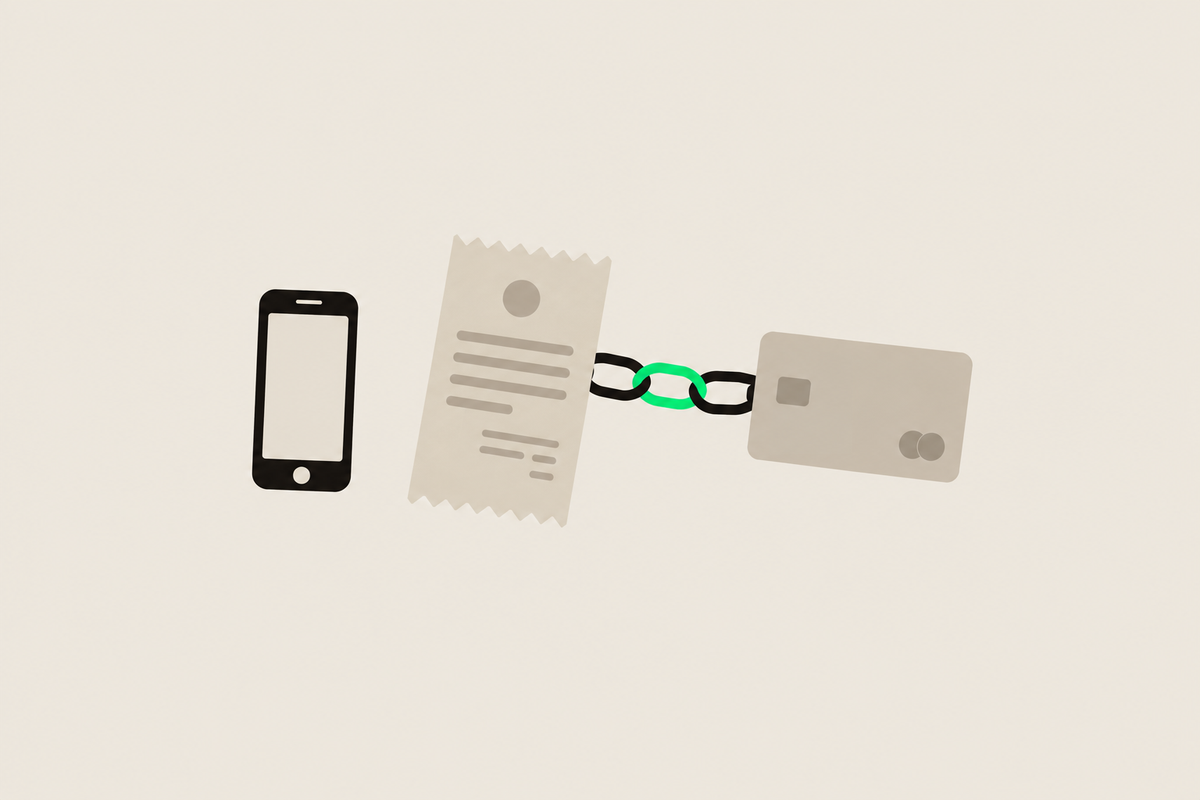
You create a payment link in Shopify with a draft order: you build the order in your admin and send the customer an invoice with a secure link to your checkout. The customer pays there with their usual methods, such as Bancontact, card or iDEAL | Wero. That works on every plan. For B2B customers you set payment terms, so they pay by invoice later.
This article is part of our guide to payments in Shopify. Checked November 2026.
When do you need a payment link?
The higher the ticket, the more often an order starts with a quote or a phone call. Think custom work, large furniture or a wholesale customer ordering by email. A payment link still lets that customer pay online, and the order lands in Shopify with inventory, invoice and reporting.
Sending an invoice from a draft order
Go to Orders > Drafts and create a new draft order.
Add products or a custom item, the customer, shipping and any discount.
Click Send invoice. The customer gets an email with a link to checkout.
After payment the draft becomes a regular order.
You can also pay a draft order by entering the customer's card manually, or mark it as paid for a bank transfer. The minimum you need is the customer's email address. Without it you can't send an invoice or build a customer relationship.
Quick Sale: a payment link or QR code from your phone
In the Shopify app, Quick Sale lets you create a sale and collect payment through Tap to Pay, a payment link or a QR code. Handy at a fair or for a home delivery. Shopify says payment links work in all countries where Quick Sale is available, but doesn't name Belgium and the Netherlands separately. So test it in your own store first.
B2B: paying by invoice with payment terms
If you sell to businesses, use Shopify's B2B features instead of loose payment links. On every plan you create companies, give them payment terms (for example 30 days), vault their card and turn a draft order into an invoice. That saves your account managers a lot of manual work. More in our guide to Shopify B2B.
On Basic, Grow and Advanced you get up to 3 B2B catalogs. Unlimited catalogs, payment terms in the checkout itself and deposits on draft orders are for Shopify Plus.
Pitfalls with payment links
Orders with a manual payment method. On an existing order with, for example, bank transfer you can't just send the standard checkout link. Create a draft order instead or use Send invoice.
Prices and inventory. A draft order doesn't reserve stock until it's paid. For scarce products, include that in your follow-up.
Checkout customizations. The customer pays in your normal checkout. What you can change there is in customize the Shopify checkout.
What we learned in the Shopify Community
No checkout link for manual orders. Problem: a merchant wants to send a card payment link for orders with a manual payment method, but Shopify doesn't offer it. Solution: workarounds, such as Send invoice, duplicating the order as a draft, setting payment terms to due on receipt or a payment link email through Shopify Flow; no standard fix. Our take: create phone and quote orders as draft orders from the start, and you avoid this problem. Source: Shopify Community thread (January 2026).
How 6th Man helps
We set up B2B companies, payment terms and invoice flows, and automate reminders and follow-up with Shopify Flow. We do that in a custom Shopify store or as an extension to your existing store.
What people ask about this.
Create a draft order under Orders > Drafts, add products and the customer, and click Send invoice. The customer gets an email with a link to your checkout.
Yes. The link opens your normal checkout, with the same payment methods as in your store.
No. Payment terms for companies and invoices from draft orders work on every plan. Payment terms in the checkout itself and unlimited B2B catalogs need Plus.
We build, migrate and grow Shopify stores.
One team for the build, the move to Shopify and the growth after launch, so nothing gets dropped at a handoff.

Read also

- Platform
- Shopify
Payment methods for your online store: which do you need per country?
Which payment methods does your store need in Belgium, the Netherlands, Germany, France and Luxembourg? An overview per country and how to offer them on Shopify.
 Arthur Lauwers

- Platform
- Shopify
- CRO
Customize the Shopify checkout with Checkout Extensibility
Customize the Shopify checkout with Checkout Extensibility: what works on Basic and what needs Plus, the end of checkout.liquid and Benelux examples.
Arthur Lauwers
- Shopify
- Platform
Building a B2B store on Shopify: features, plans and integrations (2026)
A B2B store on Shopify: what every plan can do since April 2026, what stays Plus-only, and how to handle ERP, Peppol and pay-on-invoice.
Arthur Lauwers