- Platform
- Shopify
Refunds in Shopify: how they work
How to issue a (partial) refund in Shopify, what it costs, how long the customer waits and what happens with Bancontact, iDEAL | Wero, Klarna and chargebacks.

By Arthur LauwersFounder
Sees the whole floor. Calls the play, picks the shot, keeps the scoreboard honest.
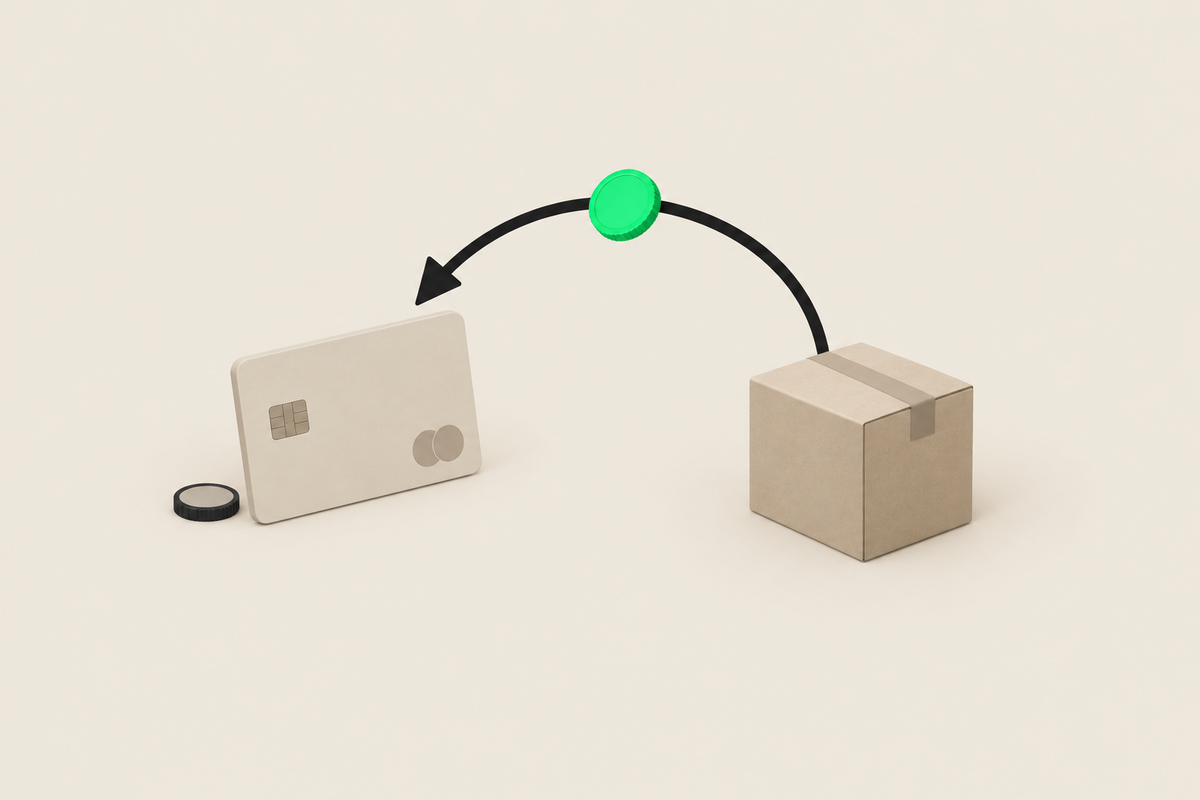
You refund in Shopify from the order: you pick the products or the amount, decide whether to refund shipping and restock, and Shopify sends the money back through the original payment method. With Shopify Payments you don't get the original processing fee back. The refund stays pending for up to 2 business days and the customer can wait up to 10 business days.
This article is part of our guide to Shopify Payments and payments. You read how to refund, what it costs, what differs per payment method and how refunds affect your payouts. Checked November 2026.
How to issue a refund in Shopify
Open the order in your admin under Orders and click Refund.
Choose the products and quantities. Tick restock if they go back into inventory.
Decide whether to refund shipping and adjust the amount for a partial refund.
Add a reason for your own reporting and let Shopify notify the customer.
Confirm. The amount goes back through the method the customer paid with.
If you handle returns, turn on self-serve returns in customer accounts. Customers then request their return themselves, and you approve and refund from the same order.
What does a refund cost with Shopify Payments?
A refund itself costs nothing extra, but you don't get the original transaction fees back. That applies to cards, iDEAL | Wero and Klarna. An example on the Grow plan: an EUR 80 order with a European card costs 1.8% plus EUR 0.25, EUR 1.69 in total. Refund that order in full and those EUR 1.69 are gone. With Bancontact it's a fixed EUR 0.39.
If you use a provider other than Shopify Payments, Shopify also charges its third-party fee on the original transaction. You normally don't get that back on a refund either. If you have many returns, factor that into your choice of plan and provider.
How long does a refund take for the customer?
In your admin a refund stays pending for up to 2 business days. Then the customer's bank or provider processes it. According to Shopify the customer can wait up to 10 business days before the money shows. If a customer asks where their money is after a few days, forward the refund confirmation from the order.
Refunds per payment method
Cards, Apple Pay and Google Pay: back to the customer's card.
Bancontact: back to the customer's account. Shopify doesn't state a separate refund window for Bancontact, so refund quickly.
iDEAL | Wero: you can refund up to 180 days after the payment. Read more about the transition in iDEAL and Wero on Shopify.
Klarna: Klarna adjusts the customer's outstanding amount or paid instalments. You don't get the fee back. See also Klarna and buy now, pay later on Shopify.
PayPal: the refund runs through PayPal itself, under the terms of your PayPal account.
Refunds, your balance and your payouts
A refund comes off your Shopify Payments balance. If that balance is too low, in certain EU countries Shopify collects the difference by SEPA direct debit; elsewhere it deducts it from upcoming payouts. How that fits your schedule is explained in Shopify Payments payouts and pending payments.
Refund or chargeback?
You issue a refund. The customer starts a chargeback through their bank. With Shopify Payments that costs you EUR 15 on top of the disputed amount, refunded if you win. So refund quickly rather than letting a customer go to their bank. iDEAL | Wero has no chargebacks, and customers can't cancel a Bancontact payment: there you always solve complaints with a refund.
What we learned in the Shopify Community
Transaction fees on cancelled fraud orders. Problem: a merchant with an external gateway cancels and refunds a wave of fraudulent orders, but still pays Shopify's third-party fees. Solution: Shopify calls the fees non-refundable and escalates the case; no confirmed refund. Our take: refunds don't erase fees. Stop fraud before the order is paid, with fraud filters and 3D Secure. Source: Shopify Community thread (March 2024 to June 2025).
Capture setting changed unnoticed. Problem: a merchant notices payments are captured automatically instead of manually, and loses money on refunded orders. Solution: switch the capture setting back under Settings > Payments and contact Support; not confirmed. Our take: choose consciously between automatic and manual capture, and read what an authorization is before you decide. Source: Shopify Community thread (May 2025).
How 6th Man helps
At every launch we test a full and a partial refund per payment method, and we automate return flows with Shopify Flow and your shipping tool. That way your team doesn't follow up every return by hand. It's standard in a Shopify store we build for you.
What people ask about this.
Open the order, click Refund and select only the products or amount you refund. You can also lower the amount manually, for example for a discount after the fact.
No. The original processing fee stays with Shopify, for cards, iDEAL | Wero and Klarna. The refund itself costs nothing extra.
The refund stays pending in your admin for up to 2 business days. After that it can take up to 10 business days before the customer sees the money, depending on their bank.
Then in certain EU countries Shopify collects the shortfall by SEPA direct debit from your bank account, or deducts it from your next payouts.
We build, migrate and grow Shopify stores.
One team for the build, the move to Shopify and the growth after launch, so nothing gets dropped at a handoff.

Read also
- Platform
- Shopify
Shopify Payments payouts and pending payments explained
When does Shopify Payments pay you? Payout schedule in Belgium and the Netherlands, what pending and on hold mean, refunds, negative balances and bookkeeping.
 Arthur Lauwers
- Platform
- Shopify
- Migration
Shopify Payments fees and rates explained (2026)
What does Shopify Payments cost in Belgium? All rates per plan and payment method, the fee for other providers and worked examples with a Belgian payment mix.
Arthur Lauwers
- Platform
- Shopify
Klarna and buy now, pay later on Shopify
Klarna on Shopify: activate it via Shopify Payments (2.99% + EUR 0.35), add in3 and Riverty via Mollie, and calculate whether buy now, pay later pays off for your margin.
Arthur Lauwers